



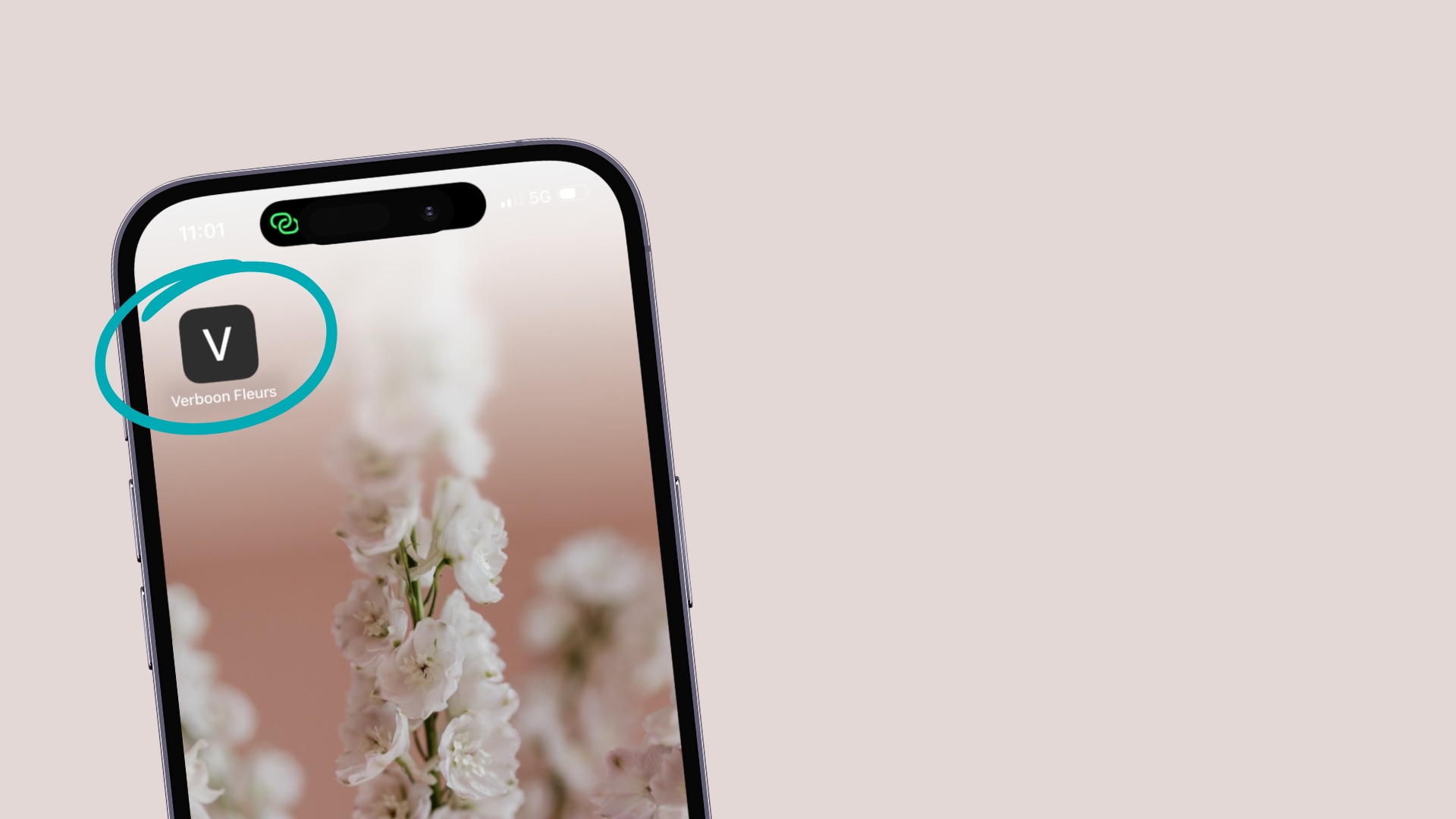
Want to order flowers easily via the app?
Add our webshop as an app to your phone or tablet for an easy shopping experience!
Find the instructions below on how to do this.
Instructions for iOS (iPhone or iPad)
1. Go to Safari on your iPhone or iPad
2. Open the webshop in Safari: https://webshop.verboonfleurs.shop/
3. Tap the Share button on the bottom of the page. It looks like a square with an arrow pointing out of the top.
4. In the list of options that appear, scroll down until you see Add to Home Screen. Tap this. The Add to Home Screen dialog box will appear.
5. Choose a name for the webshop on your home screen. You’ll see the link so you can confirm it, as well as the site’s favicon that will appear as the “app” icon on your home screen. Click Add when you’re done.
6. Now just tap the webshop “app” on your home screen, and it will open the shop in its own navigation window.
Instructions for Android
1. Go to Chrome on your Android phone or tablet
2. Open the webshop in Chrome:
https://webshop.verboonfleurs.shop/
3. Tap the menu icon (3 dots in upper right-hand corner) and tap Add to home screen.
4. Choose a name for the webshop, then Chrome will add it to your home screen!
Need some help?
If you need assistance setting up the app on your phone or tablet, we’re here for you! Feel free to reach out to us anytime.